2 port usb printer sharing switch
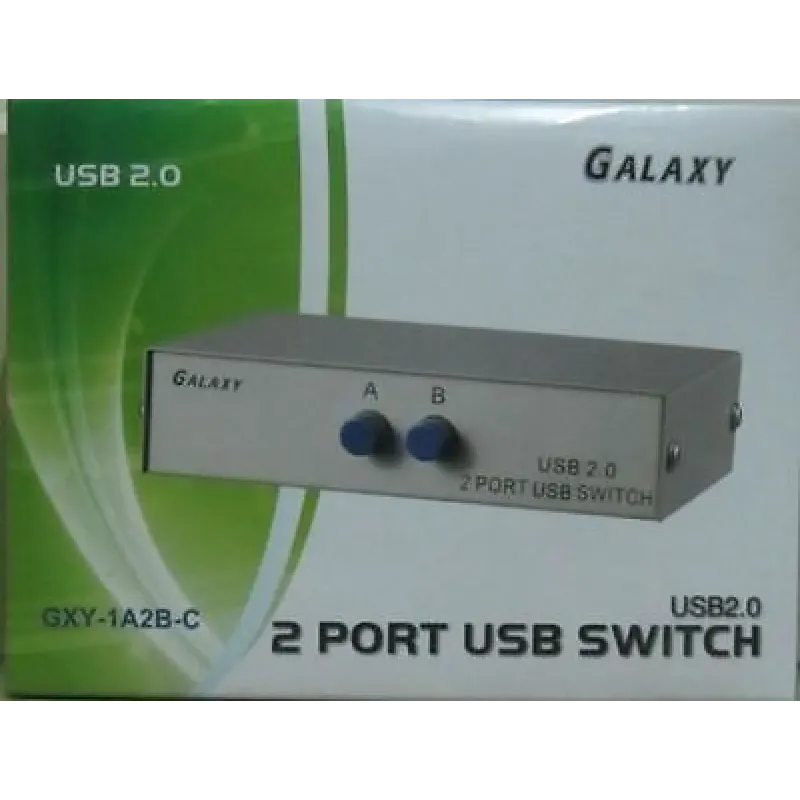
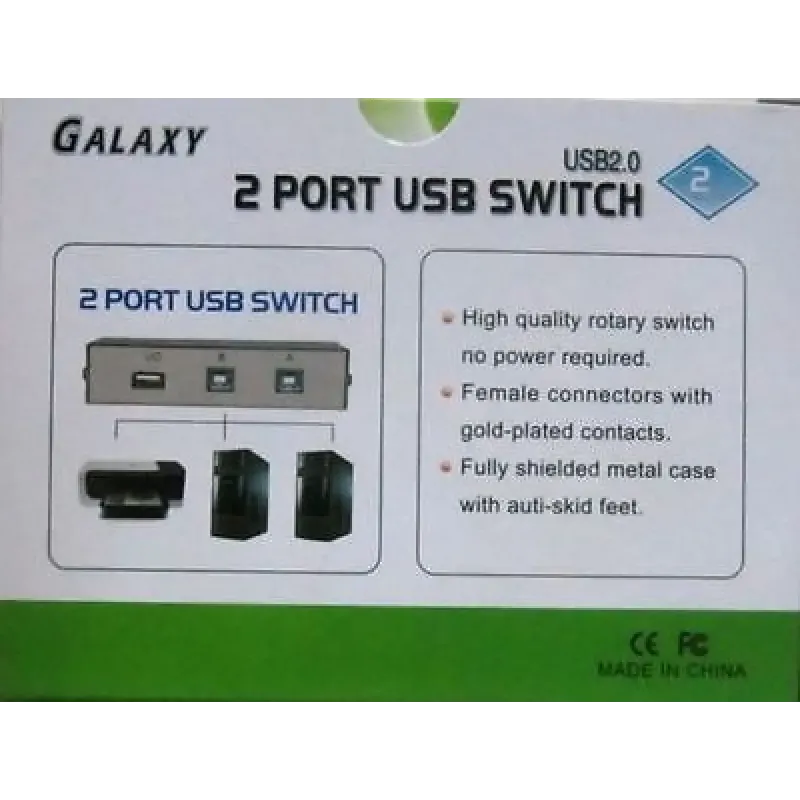
This 2 port usb printer sharing switch lets you connect a USB device to 2 PCs using a manual push button. It has 1 standard USB-A female port for the device and 2 USB-B female ports for the computers. Plug USB cables from the computers and the device into the switch; no external power is required.
Key features
- The USB-A female port accepts a device with a USB-A interface. The listed examples include a printer, scanner, projector, camera, keyboard and hub.
- The 2 USB-B female ports are for connecting the switch to 2 computers.
- A push button provides manual switching, so this is a 2 port manual usb switch rather than a switch described as automatic.
- The product features state compatibility with USB 2.0.
- No external power is required. The connection instructions are to plug the USB cables from the computers and the USB device into the switch.
Specifications
| Product name | 2 Ports Manual Printer Sharing USB 2.0 Switch between 2 PCs |
|---|---|
| Model | USB Switch- 2port |
| Category | Computer Parts, Printers, USB Cables |
| Device connection | 1 standard USB-A female port for a USB device with a USB-A interface |
| Computer connections | 2 USB-B female ports for 2 computers |
| Switching | Manual push button |
| USB compatibility | USB 2.0 |
| External power | Not required |
Frequently asked questions
How do I connect the switch between the computers and a printer?
Connect the computers through the 2 USB-B female ports and connect a printer with a USB-A interface through the standard USB-A female port. The product instructions say to plug the USB cables from the computers and the USB device into the switch.
Can I use this 2 port printer sharing switch with devices other than a printer?
The listed device examples are a scanner, projector, camera, keyboard and hub, as well as a printer. Each listed device must have the USB-A interface specified for the device port.
Does the USB switch need an external power connection?
No external power is required, according to the product features.
How is switching controlled?
Switching is described as manual and via a push button. See product details if you need information about switching behaviour beyond that description.
Are USB cables included?
The product features explain where to plug the USB cables but do not say whether cables are included. See product details for package contents.
Free calculator: Switch Board Module Calculator
Related Product

4 in 1 Multi Card Reader USB Adapter
Logitech mouse M90 for Desktop, Laptop, 1000 DPI
ADNET Wired OPTICAL USB MOUSE - AD 202